


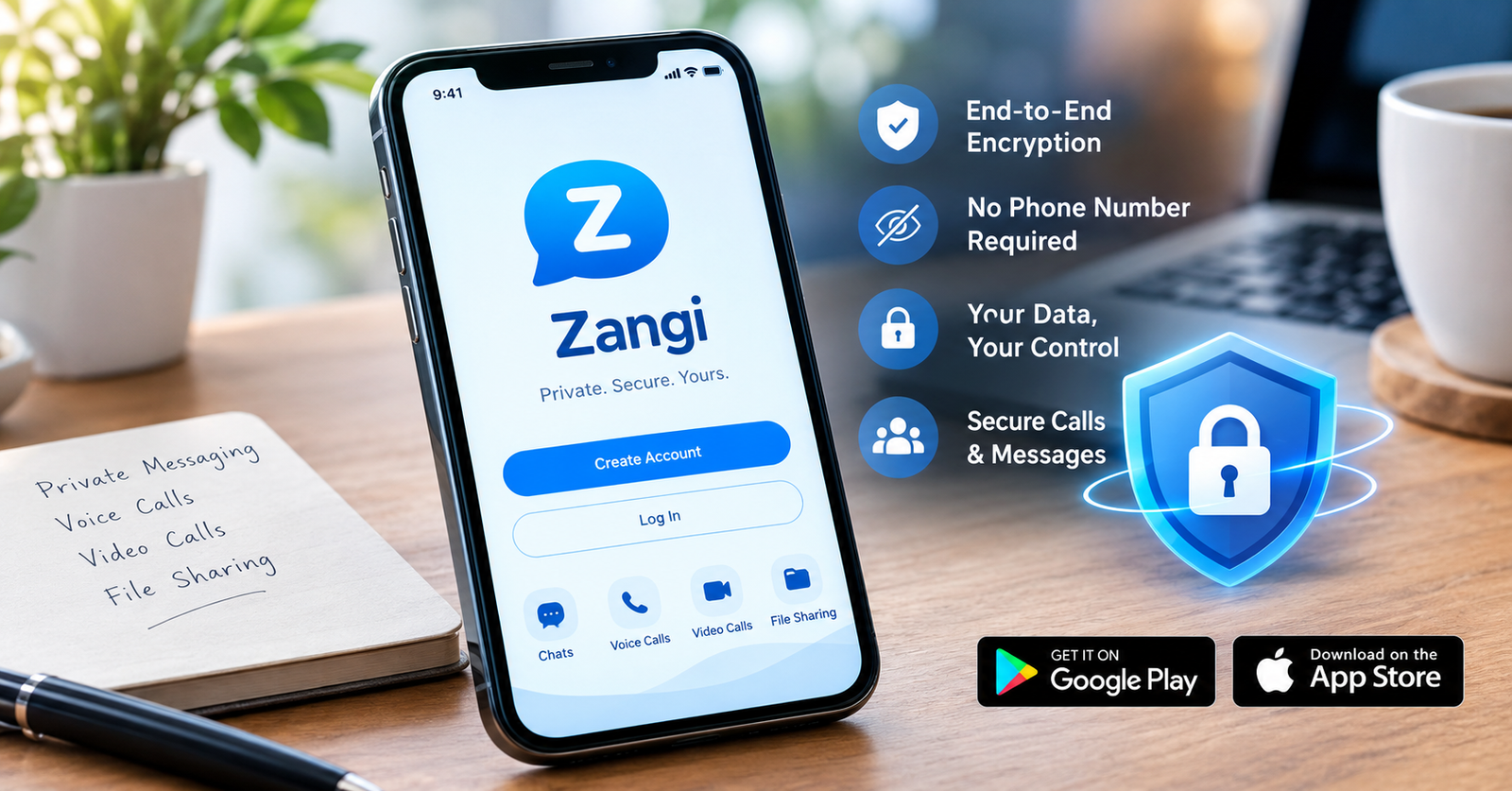

The Zangi app has gained attention among people who want private messaging, voice calls, and video calls without sharing their personal phone number. The app focuses strongly on privacy and encrypted communication.
In this guide, you will learn what Zangi offers, how the Zangi app download process works, how registration works, and whether the app provides enough security for private communication.
What Is the Zangi App?
Zangi is a private messaging and communication app for smartphones. It lets users send messages, make voice and video calls, and share files or media. The service focuses on private communication and low data usage.
Unlike many messaging apps, Zangi does not require users to register with their regular mobile phone number. Instead, users can create a private Zangi number for communication.
The app supports both Android and iPhone devices. Its privacy-focused approach makes it appealing to people who want more control over their personal information.
Key Features of Zangi
Zangi combines messaging, calling, and file sharing in one application. Users can communicate through text messages, voice calls, and video calls without relying on traditional SMS services.
The app also supports media and file sharing. Zangi uses encryption to protect communication while information moves between users.
Another important feature involves registration. Users can create an account without connecting their normal mobile number to the service. This can provide an additional layer of privacy for people who do not want to share their personal number.
Zangi also focuses on data efficiency. The company promotes the app as a useful option for communication when users have limited internet data or slower connections.
Zangi App Download: Where Can You Get It?
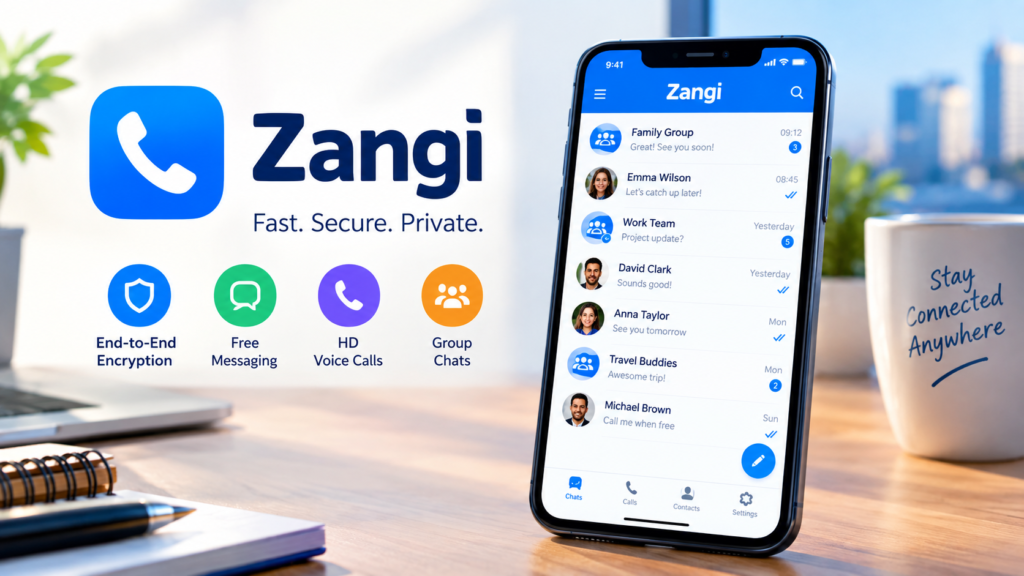
You can download Zangi through the official app stores for supported devices. Android users can find the app on Google Play, while iPhone and iPad users can find it through the Apple App Store.
Before installing the application, check the developer name and app details carefully. Official stores can help reduce the risk of downloading an imitation or modified application.
After installation, open the app and follow the registration instructions. The exact screens and options can change as the developer updates the application, so your setup experience may look slightly different.
How Does Zangi Registration Work?
Zangi takes a different approach to account registration. Instead of requiring your normal mobile number, the service allows users to create a private Zangi number.
This approach can help separate your personal phone identity from your messaging account. You can then use the Zangi number to connect with other users.
The app also focuses on limiting unnecessary personal information. However, users should still review the permissions they grant to the application and keep their device protected with a strong passcode or biometric lock.
Is Zangi App Safe?
Many people ask, “Is Zangi app safe?” The answer depends on what you mean by safe.
From a communication-security perspective, Zangi uses end-to-end encryption for its messaging and calling features. This means the system encrypts communication so that only the intended participants can access the content.
Zangi also says that it does not store communication history on its servers. The company promotes a privacy-focused design that keeps user information and communication away from unnecessary server storage.
However, no messaging application can protect you from every security risk. Your device, account credentials, downloaded files, and contacts can still create privacy risks.
For that reason, users should install Zangi from an official store, keep their operating system updated, avoid suspicious files, and protect their devices.
How Private Is Zangi?
Privacy represents one of Zangi’s main selling points. The service allows users to register without using their regular mobile number, which can reduce the amount of personal information connected to the account.
Zangi also states that it does not collect or store communication data on its servers. Its security system uses AES-GCM 256 encryption for end-to-end encrypted communication.
That approach can give privacy-conscious users more control over how they communicate. Still, users should understand that app privacy involves more than encryption alone.
Device security, account access, app permissions, and the behavior of the people you communicate with also matter. A secure messaging app cannot prevent another person from taking screenshots, forwarding information, or accessing an unlocked device.
Zangi for Calls and File Sharing
Zangi supports voice and video communication alongside regular messaging. Users can make calls through an internet connection instead of relying on traditional cellular calling.
The app also supports file and media sharing. Zangi says it encrypts transferred files and does not keep copies of those files on its servers.
These features make the app useful for people who want one platform for private conversations, calls, and file transfers.
Connection quality can still affect your experience. A weak internet connection may reduce call quality or increase delays, regardless of the messaging application’s security features.
Advantages and Limitations
Zangi offers several useful features for privacy-focused users. Its private registration system can help users avoid connecting their regular phone number to their messaging account.
End-to-end encryption adds another layer of protection for communication. The app also supports voice calls, video calls, messaging, and file sharing in one place.
At the same time, users should not treat encryption as a complete security solution. Your device security remains important, and users should download the application from trusted sources.
The app may also feel unfamiliar to people who already use larger messaging platforms. Your experience can depend on whether your friends, family, or contacts also use Zangi.
Should You Use the Zangi App?
The Zangi app may suit people who value private communication and want an alternative to phone-number-based messaging. Its encryption, private registration, calling tools, and file-sharing features make it an interesting option.
Before you choose it as your primary messenger, consider how often your contacts use the service. A private messaging platform works best when the people you want to contact also use it.
You should also review the current app-store information and privacy settings before creating an account. This helps you understand the latest features, permissions, and policies.
Conclusion
Zangi offers a privacy-focused approach to modern communication. The app combines messaging, voice calls, video calls, and file sharing while giving users the option to register without their regular phone number.
Its use of end-to-end encryption makes it attractive to people who care about communication privacy. However, users should still protect their devices, avoid suspicious downloads, and use good security practices.
If privacy matters to you, Zangi can provide useful tools for more private everyday communication. Before downloading it, make sure you use the official app store and review the latest information available for your device.
FAQs
What is the Zangi app?
Zangi is a private messaging and communication app that supports text messages, voice calls, video calls, and file sharing. The service focuses on privacy and encrypted communication.
Is Zangi free to use?
Zangi offers its core communication features through the mobile application. Some features or services may vary depending on the platform and current app version.
Does Zangi require a phone number?
No. Zangi allows users to register without connecting their regular mobile phone number. The service can provide a private Zangi number for communication instead.
Is Zangi end-to-end encrypted?
Yes. Zangi uses end-to-end encryption for supported communications. The company describes its security system as using AES-GCM 256 encryption.
Is Zangi app safe for private messaging?
Zangi provides several privacy and security features, including end-to-end encryption and private registration. However, users should still secure their devices, use official downloads, and avoid sharing sensitive information with untrusted contacts.
Can I use Zangi on iPhone?
Yes. Zangi supports iPhone and iPad devices through the Apple App Store. Availability and supported features can change as the developer releases updates.
For more updates visit: RANKIVO