



The Halloween The Game patch notes 1.1.1 focus on fixing crashes affecting players on Xbox Series X|S, PlayStation 5 and PC. Released on 16 October 2026, this small hotfix targets problems involving Xbox Quick Resume, Performance Mode shaders, grabbing, certain gameplay interactions, and DLSS or FSR frame generation. Unlike a major content update, version 1.1.1 does not announce new maps, characters, or balance changes. Instead, it concentrates on stability so players can spend less time dealing with crashes and more time surviving Michael Myers. Here is a closer look at every confirmed fix, what the update means for each platform, and what players should know after installing it.
Halloween: The Game Patch Notes 1.1.1 – Full Overview
IllFonic released patch 1.1.1 on 16 October 2026 as a targeted stability update for Halloween: The Game. The official notes describe the release as a collection of crash fixes for Xbox Series X|S, PS5 and PC.
The update addresses several different situations that could interrupt gameplay. These include resuming a session on Xbox, using Performance Mode on Xbox Series X, grabbing during gameplay, certain gameplay interactions, and using DLSS or FSR frame generation on PC.
The notes also confirm additional crash fixes without detailing every individual case. This means the published list covers the main changes, but it does not explain every technical issue addressed by the developers.
Patch 1.1.1 is therefore best understood as a hotfix rather than a full gameplay overhaul. Its purpose is to improve stability in specific situations rather than introduce a new gameplay experience.
All Confirmed Crash Fixes in Update 1.1.1
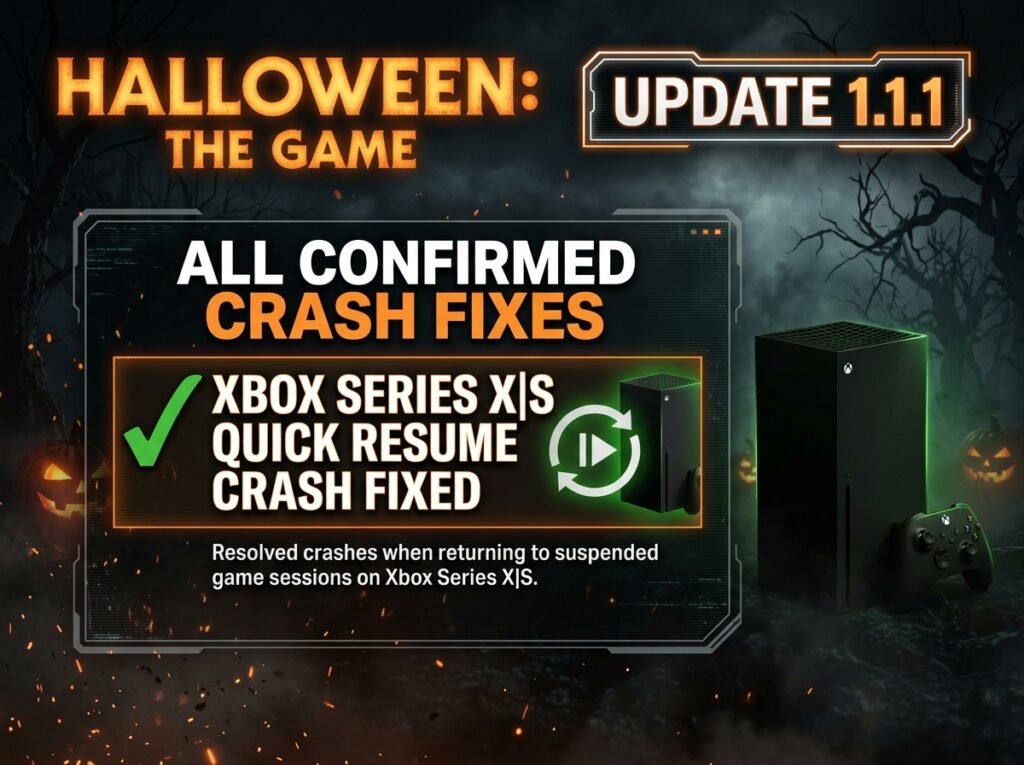
Xbox Series X|S Quick Resume Crash Fixed
One of the listed fixes addresses a crash that could occur when using Quick Resume on Xbox Series X|S. Quick Resume allows supported games to return to a suspended session without requiring a complete restart.
However, problems can arise when a game does not resume correctly from its previous state. The latest patch specifically lists a fix for a crash associated with this Xbox feature.
Players who experienced crashes after returning to Halloween: The Game through Quick Resume should install the update and test the feature again. The notes confirm that the issue was addressed, although they do not promise that every possible crash scenario has been eliminated.
Xbox Series X Performance Mode Shader Crash Fixed
The patch also fixes a shader-related crash that could occur when using Performance Mode on Xbox Series X.
Shaders help a game process visual effects and materials. Problems involving shader processing can sometimes cause instability, interrupt gameplay, or prevent a session from continuing normally.
This fix is particularly relevant to Xbox Series X players who use Performance Mode. However, the official notes do not describe a general graphics upgrade or a broad frame-rate improvement. The confirmed change specifically concerns a crash associated with shaders in that mode.
Crash During Grabbing Fixed
Another fix addresses a crash that could happen while grabbing. Grabbing is an important gameplay interaction in a horror game where encounters can quickly become tense and unpredictable.
A crash during an interaction can interrupt a match at a critical moment. It can also affect the experience of players who rely on close-range actions during encounters.
Patch 1.1.1 lists this problem among its fixes, but the notes do not provide detailed reproduction steps. Players who previously encountered crashes during grabbing should check whether the problem persists after updating.
Crashes Caused by Certain Gameplay Interactions Fixed
The developers have also addressed crashes caused by certain gameplay interactions. The notes do not identify every affected interaction, so it would be inaccurate to claim that a particular action or character ability is definitely included beyond the grabbing issue listed separately.
This broader fix may be relevant to players who experienced crashes during specific in-game actions. However, the official announcement does not provide enough detail to identify every scenario covered.
The practical takeaway is simple: update the game before testing an interaction that previously caused a crash. If the same problem continues, recording the circumstances can help distinguish a remaining issue from one already addressed.
DLSS and FSR Frame Generation Crashes Fixed
PC players receive a fix for crashes caused when using DLSS and FSR frame generation.
These technologies can generate additional frames to improve perceived smoothness on supported hardware. DLSS is associated with NVIDIA graphics technology, while FSR is AMD’s upscaling and frame-generation technology.
The patch specifically lists crashes caused by DLSS and FSR frame generation. It does not list a corresponding XeSS frame-generation crash fix in the 1.1.1 notes, so players should not assume that every graphics feature has received an identical change.
If Halloween: The Game previously crashed while frame generation was enabled, install the patch and test the same settings again. If the issue remains, temporarily disabling the relevant feature can help determine whether it is connected to the crash, although that is a troubleshooting step rather than an official patch requirement.
Additional Crash Fixes
The final item in the official notes confirms various additional crash fixes. IllFonic has not published a separate explanation for each of these changes in the 1.1.1 announcement.
Consequently, players may notice improved stability in situations that are not individually named. However, the patch notes do not establish a specific percentage improvement or guarantee that the game will never crash again.
The update’s main purpose remains stability. Its confirmed scope is narrower than a major patch containing extensive balance changes, new content, or redesigned systems.
Does Patch 1.1.1 Add New Content?
No. The official Halloween: The Game patch notes 1.1.1 focus on crash fixes rather than new maps, characters, cosmetics, or gameplay modes.
IllFonic announced a separate Halloween 2026 content update on 7 October. That announcement included plans for a free fifth map, The Tower Farm, alongside additional character skins and cosmetic content.
These announcements cover different updates. Patch 1.1.1 addresses technical problems, while the separate content update focuses on expanding the game. Players should not expect new maps or characters from version 1.1.1 itself.
What Does Patch 1.1.1 Change on Each Platform?
Xbox Series X|S
Xbox Series X|S players receive a fix for a crash that could occur when using Quick Resume. The update also addresses a shader-related crash in Performance Mode on Xbox Series X.
These changes target specific stability issues. The official notes do not claim that the update delivers a general frame-rate boost or completely eliminates every Xbox crash.
PlayStation 5
PlayStation 5 is included among the platforms covered by the 1.1.1 stability update. However, the published notes do not identify a separate PS5-specific fix.
The update should therefore be treated as a crash-fix release rather than a confirmed graphics or gameplay upgrade for PS5.
PC
PC players receive fixes for crashes involving grabbing, certain gameplay interactions, and DLSS or FSR frame generation. The developers also mention additional crash fixes.
Players who previously experienced crashes while using frame generation can test the same settings after updating. However, the notes do not promise that every graphics-related problem or hardware compatibility issue has been resolved.
How to Update Halloween: The Game
To install the latest available version, open the game library on your platform and check for updates. On PC, use the launcher where you own the game. On Xbox or PS5, select the game and check for an available update.
Wait for the installation to finish before launching the game. If crashes continue, restart the game and test the situation that previously caused the problem.
PC players can note whether DLSS or FSR frame generation is enabled when a crash occurs. Xbox players can check whether the problem happens after using Quick Resume or while running Performance Mode.
These troubleshooting steps may help identify persistent problems, but they are not additional fixes confirmed by the patch notes.
Is Halloween: The Game Patch 1.1.1 Worth Installing?
Yes. Players should install patch 1.1.1 when it becomes available for their platform, particularly if they have experienced any of the crashes listed in the announcement.
The update addresses problems involving Xbox Quick Resume, Xbox Series X Performance Mode shaders, grabbing, certain gameplay interactions, and PC frame generation. These fixes can help prevent interruptions during gameplay.
However, the developers have not published figures showing how much stability has improved. Players who never encountered these issues may notice little difference, while others may benefit directly from the fixes.
Conclusion
The Halloween The Game patch notes 1.1.1 outline a stability update released on 16 October 2026 for Xbox Series X|S, PlayStation 5 and PC. The update fixes several reported crash scenarios, including Xbox Quick Resume issues, Performance Mode shader crashes, grabbing-related crashes, and problems involving DLSS and FSR frame generation.
Unlike a major content update, version 1.1.1 does not announce new maps, characters, or gameplay modes. Its main purpose is to improve stability and address specific technical problems. Players affected by these issues should install the update and check whether their previous crashes have stopped.
FAQs
When Was Halloween: The Game Patch 1.1.1 Released?
Halloween: The Game patch 1.1.1 went live on 16 October 2026. The update focuses on crash fixes for Xbox Series X|S, PlayStation 5 and PC.
What Are the Main Fixes in Patch 1.1.1?
The update fixes a crash associated with Xbox Quick Resume, a shader crash in Xbox Series X Performance Mode, a crash during grabbing, crashes caused by certain gameplay interactions, and crashes involving DLSS and FSR frame generation. It also includes additional crash fixes.
Is Patch 1.1.1 Available on PC, Xbox and PS5?
The official patch announcement covers PC, Xbox Series X|S and PlayStation 5. Check your platform’s game library to see whether the update is available to install.
Does Patch 1.1.1 Add a New Map?
No new map is listed in the 1.1.1 patch notes. The update focuses on crash fixes. The Tower Farm was announced separately as part of the Halloween 2026 content plans.
Does Patch 1.1.1 Fix DLSS and FSR Crashes?
Yes. The official notes confirm fixes for crashes caused when using DLSS and FSR frame generation. They do not confirm that every graphics-related crash has been resolved.
What Should I Do If the Game Still Crashes After Updating?
Confirm that the update has installed, then restart the game and test the affected situation again. On PC, note your graphics settings; on Xbox, check whether Quick Resume is involved. If the crash continues, report the issue through the game’s official support channels.
For more updates visit: RANKIVO