


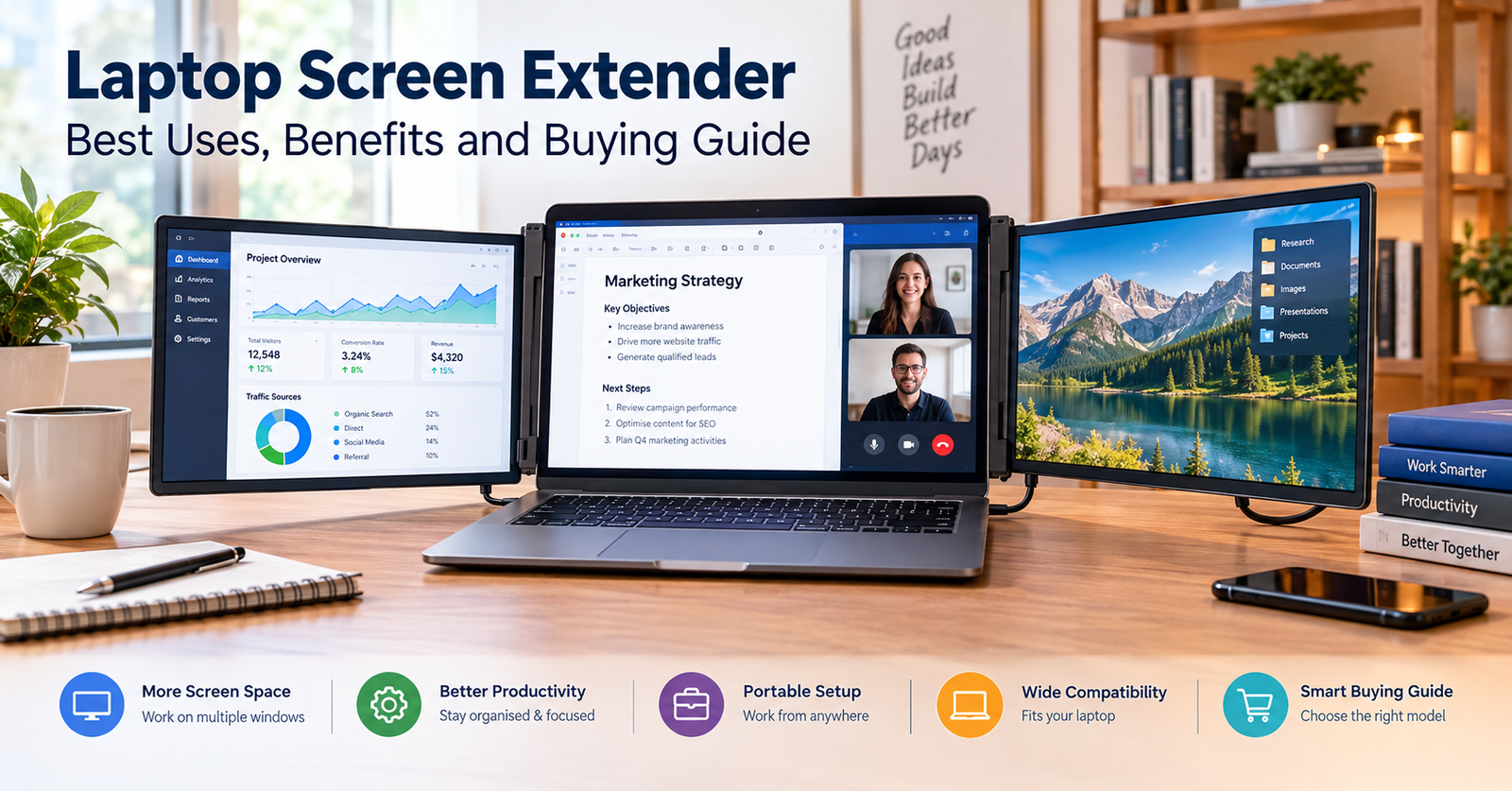

A laptop screen extender can make working on a laptop more comfortable and productive. Instead of switching between multiple windows, you can spread your work across two or three displays. This setup can help professionals, students, freelancers and remote workers manage demanding tasks more easily.
Whether you work from home, travel regularly or study at university, an additional screen can give you more room to organise your work. You can keep documents open on one display while using another for research, video calls or communication.
However, not every laptop screen extender offers the same experience. Screen size, resolution, connectivity, portability and compatibility all affect how useful the device will be. Understanding these features before buying can help you choose a model that suits your laptop and daily routine.
What Is a Laptop Screen Extender?
A laptop screen extender is an additional display that connects to your laptop to provide more screen space. Many models attach directly to the sides or back of a laptop screen. Others use a separate stand and sit beside the computer.
Unlike a laptop stand, which only raises your existing screen, a screen extender adds another display. This allows you to view different applications simultaneously without constantly minimising or closing windows.
For example, you could write a report on your main laptop screen while viewing research documents on the second display. You could also keep a spreadsheet open on one screen and a video meeting on another.
Some laptop screen extenders feature one additional display, while others support two. The best choice depends on your workspace, laptop size and preferred working style.
How Does a Laptop Screen Extender Work?
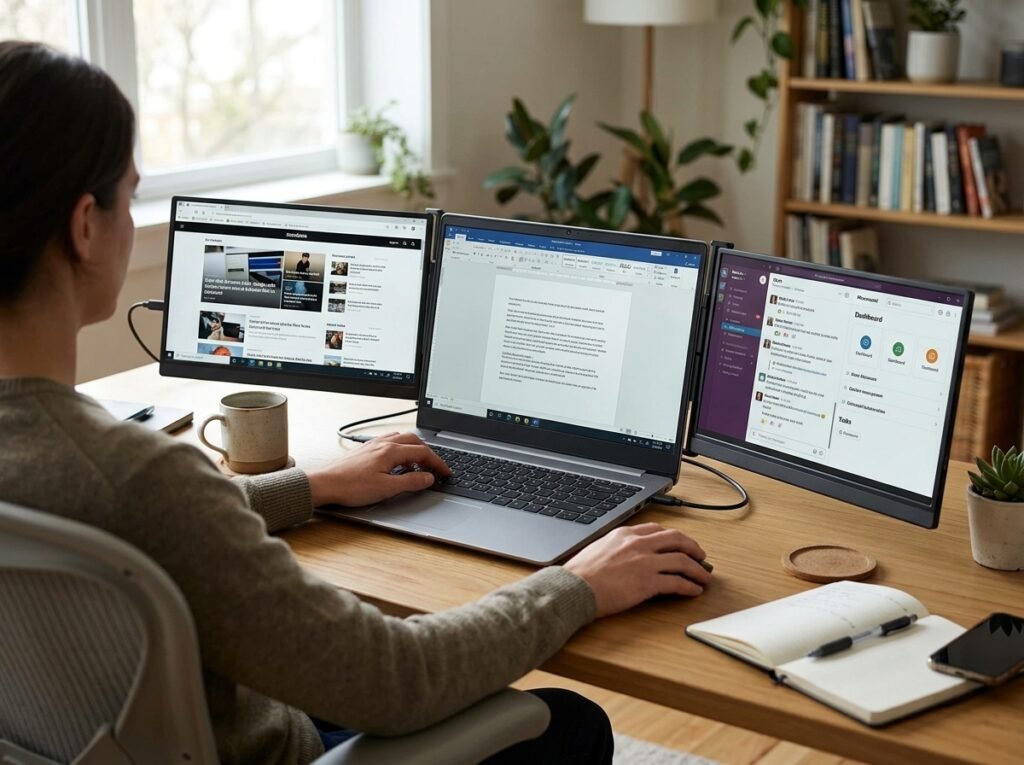
Most laptop screen extenders connect through USB-C, HDMI or another supported video connection. Once connected, your laptop sends the video signal to the additional display.
Some models use USB-C to carry video, power and data through a single cable. However, your laptop’s USB-C port must support video output for this connection to work. A USB-C port alone does not guarantee display compatibility.
Other extenders use HDMI for video and a separate USB connection for power. Certain models may require additional drivers or software, particularly when they use USB-based display technology.
After connecting the device, open your computer’s display settings to configure the screens. You can usually extend your desktop, duplicate your main display or choose which screen acts as the primary display.
An extended desktop gives you the greatest flexibility because each screen can display different content. Mirroring shows the same content on multiple displays, which is more useful for presentations or demonstrations.
Key Benefits of a Laptop Screen Extender
More Screen Space for Multitasking
One of the biggest benefits of a laptop screen extender is the additional workspace. You can keep several applications visible instead of switching between them throughout the day.
This arrangement is particularly useful for people who regularly work with spreadsheets, documents, browser tabs and messaging applications. It can also simplify tasks that involve comparing information across multiple windows.
Improved Workflow and Organisation
An extra display helps you organise applications according to their purpose. For instance, you might use your laptop screen for writing and the extended display for research.
This arrangement can make it easier to follow instructions while completing a task. It may also reduce the need to repeatedly rearrange windows during busy work sessions.
However, productivity improvements depend on your workload and personal preferences. An additional screen will not automatically make every task faster.
A Portable Alternative to a Desktop Setup
Traditional desktop monitors can take up considerable desk space and require a dedicated workstation. Many laptop screen extenders offer a more compact alternative.
Portable models can fit into a laptop bag, making them useful for business trips, coworking spaces and temporary workstations. Some attach directly to your laptop, while others fold into protective cases.
Before travelling, check the device’s dimensions, weight, power requirements and protective accessories. A lightweight design can be less convenient if it needs several bulky cables.
Useful for Study and Remote Work
Students can use an additional screen to read lecture notes while writing assignments. Researchers can compare sources without repeatedly switching between browser windows.
Remote workers can keep meeting software open while accessing documents or project management tools. Designers and developers may also benefit from having reference material visible beside their main application.
These advantages are most noticeable when your tasks require frequent comparisons or involve several applications at once.
Important Features to Consider Before Buying
Screen Size and Resolution
Screen size determines how much additional workspace you receive. Many portable displays fall within the 13-inch to 16-inch range, although smaller and larger options are available.
Choose a size that suits your laptop and working environment. A screen that is too large may make a portable setup awkward, while a smaller display may feel cramped for detailed work.
Resolution also affects image clarity. Full HD resolution, commonly listed as 1920 × 1080, can provide clear text and images on many portable displays. Higher resolutions may suit detailed creative work, depending on screen size and software requirements.
Compatibility With Your Laptop
Compatibility should be one of your first checks. Confirm that the extender supports your laptop’s operating system, screen dimensions and available connections.
Some models work with Windows laptops and selected MacBooks, while others have more limited support. Operating system compatibility does not always guarantee that every display configuration will work.
If you use a MacBook, check whether your particular model supports the number of external displays you want. Support varies between Mac models and configurations.
Connectivity and Power Requirements
USB-C can provide a convenient single-cable connection when the laptop and extender support the necessary video and power features. HDMI offers another common way to transfer video.
Some devices draw power from the laptop, while others require an external power source. Bus-powered models can simplify travel, but they may increase battery consumption.
Check the manufacturer’s connection requirements before purchasing. You may need an adapter if your laptop lacks the required ports.
Brightness, Viewing Angles and Display Quality
Brightness matters when you work near windows or in brightly lit offices. A display with suitable brightness can make text easier to see under different lighting conditions.
Viewing angles also affect comfort, particularly when the screen attaches to the side of your laptop. Adjustable stands and flexible mounting systems can help you position the display correctly.
If colour accuracy matters for photography or design, review the panel specifications and independent testing where available. Basic office work generally places greater emphasis on readable text and comfortable viewing.
Build Quality and Portability
A good laptop screen extender should remain stable during everyday use. Check the mounting system, hinges, frame materials and weight before choosing a model.
Laptop-mounted extenders must also suit your computer’s physical design. Some laptops have unusually thick screens, narrow bezels or limited space around their hinges.
If you travel frequently, consider a protective case and a design that packs away easily. A separate portable monitor may offer greater flexibility if your laptop cannot safely support an attached extender.
Laptop Screen Extender vs Portable Monitor
A laptop screen extender and a portable monitor both add display space, but their designs serve different needs.
A laptop screen extender usually attaches to your computer or uses a mounting system designed for laptop-based work. It can create a compact dual-screen or triple-screen workstation without requiring a large desk.
A portable monitor typically operates as an independent display. You can place it beside your laptop, position it on a stand or use it with other compatible devices.
The main advantage of an attached extender is convenience when you want a combined setup. A separate portable monitor generally offers more freedom in positioning and may be easier to use with different computers.
Your choice should depend on portability, desk space, compatibility and how you prefer to arrange your displays.
Who Should Use a Laptop Screen Extender?
A laptop screen extender can suit professionals who regularly switch between documents, spreadsheets and communication tools. Accountants, analysts, project managers and administrators may appreciate the additional workspace.
Students can use it for research, online lessons and assignment writing. Freelancers may also find it useful when managing clients, invoices, design applications and project files.
Software developers can display documentation alongside their code editor. Content creators may keep research material or editing controls visible while working on their main screen.
However, an additional display is not essential for everyone. If you mainly browse the internet, write simple documents or use one application at a time, your existing laptop screen may be sufficient.
Common Mistakes to Avoid
One common mistake is buying an extender before checking laptop compatibility. A device may have the correct connector but still require video-output support that your laptop does not provide.
Another mistake is focusing only on screen size. Resolution, brightness, mounting stability and viewing angles can have a greater impact on everyday comfort.
You should also consider battery life. An additional display may consume more power, especially when your laptop supplies electricity through USB.
Finally, avoid assuming that every laptop-mounted extender works with every computer. Check the supported laptop dimensions, weight limits and operating system requirements before placing an order.
Conclusion
A laptop screen extender can transform a compact laptop into a more flexible workspace. It gives you additional room for research, communication, documents and multitasking without requiring a permanent desktop setup.
The right choice depends on your laptop’s compatibility, the screen size you need, available connections and how often you travel. Consider display quality, mounting design and power requirements alongside the price.
If you regularly work across several applications, an additional screen may make your workflow easier to manage. If your tasks are simple, a single laptop display might already meet your needs. Compare the practical features carefully to find a laptop screen extender that fits your everyday work.
FAQs
What Is a Laptop Screen Extender Used For?
A laptop screen extender adds another display to your computer. You can use it to view documents, spreadsheets, video calls and browser windows simultaneously. This arrangement can make multitasking easier for work, study and other computer-based activities.
Does a Laptop Screen Extender Work With Every Laptop?
No, compatibility varies by model. You should check your laptop’s operating system, available ports, video-output support and physical dimensions. Some extenders support a limited range of computers, so verify the manufacturer’s requirements before buying.
Do Laptop Screen Extenders Need USB-C?
Not all laptop screen extenders require USB-C. Some use USB-C for video and power, while others rely on HDMI and a separate power connection. Your laptop must support the connection method required by the particular device.
Can I Use a Laptop Screen Extender With a MacBook?
Many extenders support selected MacBook models, but compatibility differs between devices. Check the extender’s specifications and your MacBook’s external-display capabilities. Some configurations may require adapters or additional software.
Does a Laptop Screen Extender Improve Productivity?
An additional display can make multitasking more convenient by keeping multiple applications visible. However, the actual benefit depends on your tasks, working habits and display arrangement. It may be especially helpful when comparing documents or switching between several applications.
For more updates visit: RANKIVO