


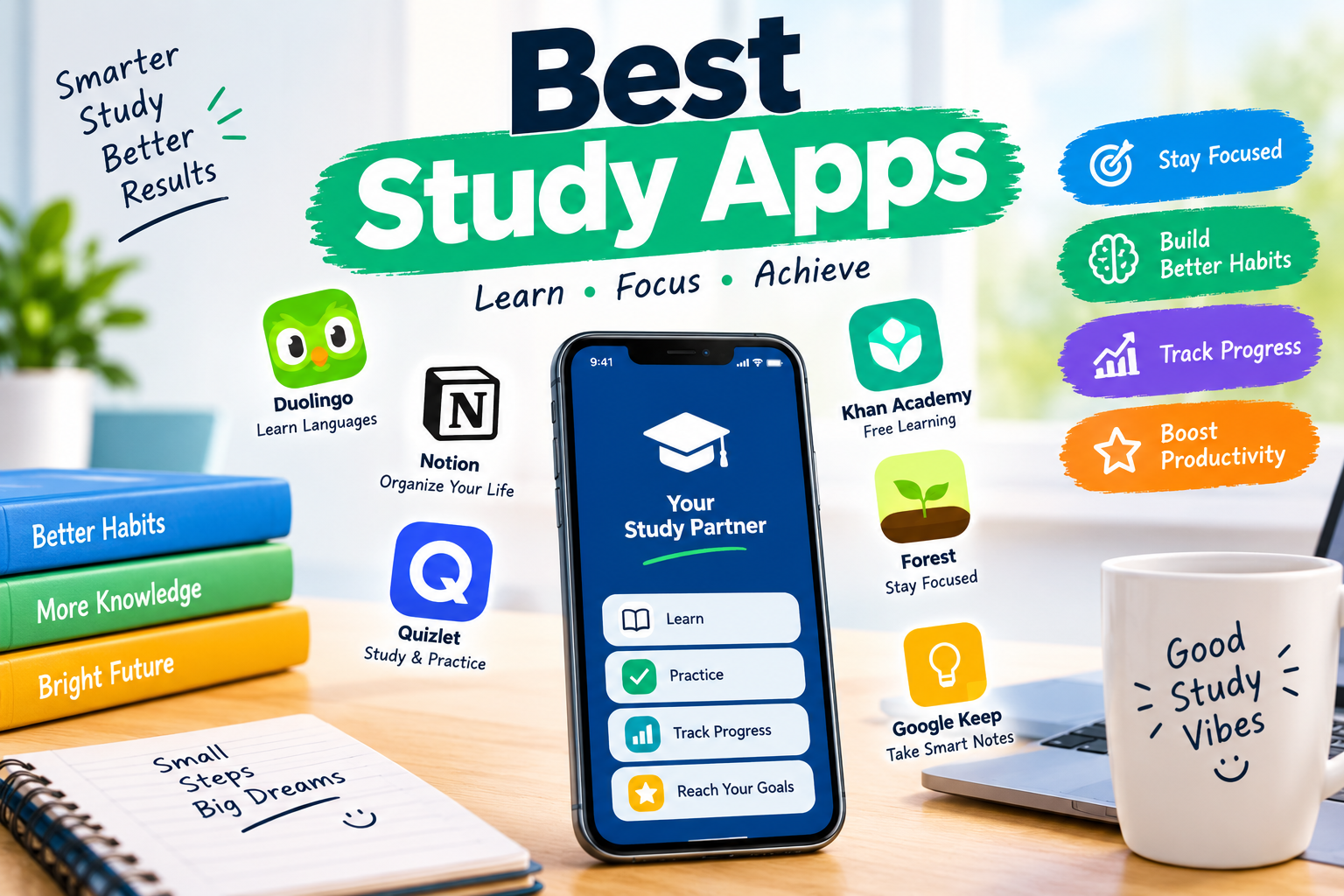

Finding the right study tools can make learning easier, especially when you have lectures, assignments, revision, and exams to manage. The best study apps can help you organise your workload, remember key information, stay focused, and make better use of your study time.
Students in the UK have plenty of options. However, every app has a different purpose. Some are designed for flashcards and memorisation, while others focus on planning, note-taking, concentration, or AI-assisted learning.
The right choice depends on how you learn and what you need help with. This guide explores useful study apps and explains how they can fit into a practical study routine.
Why Use Study Apps?
Studying is not only about spending more hours with your books. Good study habits also involve planning, active recall, repetition, and focused work. Study apps can support these habits without making your routine more complicated.
For example, a revision app can help you review difficult topics regularly. A planning app can help you divide large assignments into smaller tasks. Meanwhile, a focus app can reduce distractions when you need to concentrate.
The biggest advantage is convenience. Most students already carry a smartphone, so useful study tools are available whenever they are needed.
Best Study Apps for Students
Quizlet
Quizlet is useful for students who want to practise vocabulary, definitions, facts, and other short pieces of information. Its flashcard-based approach makes it suitable for active recall.
Students can create their own study sets or use existing material. Different learning activities can also make revision less repetitive.
It can be especially helpful when preparing for subjects that require regular memorisation. However, flashcards work best when the information is understood first rather than simply memorised.
Anki
Anki is another popular option for flashcard-based learning. Its main strength is spaced repetition, which helps learners review information at useful intervals.
Instead of repeatedly studying everything, you can spend more time on information that you find difficult. This can make revision more efficient.
Anki can be useful for university students, language learners, and anyone dealing with large amounts of factual information. Its interface may feel less simple at first, but the learning system is powerful.
Notion
Notion can work as an all-in-one workspace for studying. Students can use it for lecture notes, assignment planning, revision schedules, project organisation, and personal study databases.
Its flexibility is one of its biggest advantages. You can create pages that match your own workflow instead of following a fixed structure.
However, too much customisation can become distracting. A simple setup is often better than spending hours designing a perfect study dashboard.
Microsoft OneNote
OneNote is a practical choice for students who want digital notebooks. You can organise information into notebooks, sections, and pages.
It works well for lecture notes because you can combine typed text with drawings, images, and other content. This makes it useful for subjects where traditional note-taking does not always work.
Students who already use Microsoft services may also find it convenient to keep their study materials together.
Forest
Forest focuses on concentration rather than academic content. The app encourages you to stay away from your phone while completing a study session.
You begin a focus session and grow a virtual tree while you work. Leaving the session can interrupt the process, creating a simple incentive to remain focused.
This type of tool can be useful if notifications and social media regularly interrupt your revision.
Google Calendar
A study routine becomes easier when important deadlines are visible. Google Calendar can help students organise classes, exams, assignment deadlines, revision sessions, and personal commitments.
It is particularly useful for students managing several subjects at once. Blocking out study time can also make your workload feel more manageable.
The goal is not to schedule every minute of your day. Instead, use the calendar to create a realistic structure that leaves enough room for breaks and unexpected tasks.
Best Study Apps for College Students
The best study apps for college students often need to do more than support revision. College and university students may have multiple modules, deadlines, group projects, presentations, and independent study requirements.
For that reason, a combination of apps can work better than relying on one platform.
A planning app can manage deadlines, while a note-taking app keeps lecture material organised. Flashcard software can then support revision before exams.
Students should also consider how easy an app is to maintain. If entering information takes too long, the system may eventually become another task to manage.
How to Choose the Right Study App
Start by identifying the problem you want to solve. If you forget information quickly, a flashcard app may be more useful than a planning tool.
If your workload feels disorganised, focus on calendars and task management. Students who struggle with distractions may benefit more from a focus tool.
It is also worth considering the learning method. Active recall and spaced repetition can support memory, while organised notes can make later revision easier.
Finally, consider cost and device compatibility. Many apps offer free features, while some advanced tools require a subscription. A free app that you actually use can be more valuable than an expensive app with features you never need.
How to Use Study Apps Effectively
Technology cannot replace good study habits. An app works best when it supports a clear learning method.
Try combining digital planning with active study. For example, schedule a revision session, study a specific topic, test yourself without looking at your notes, and then review the areas you found difficult.
Avoid switching between too many apps. Every additional platform can create more notifications, settings, and information to manage.
A simple system is usually easier to maintain. Choose one main planning tool, one note-taking method, and additional study apps only when they solve a specific problem.
Are Study Apps Worth Using?
Study apps can be worthwhile when they save time or improve the quality of your learning. They are particularly helpful for organisation, revision, focus, and keeping study materials accessible.
However, downloading more apps does not automatically improve academic performance. The important factor is how you use them.
A student with a simple and consistent system can often achieve more than someone using ten different tools without a clear routine.
Conclusion
The best study apps are not necessarily the ones with the most features. The right app is the one that solves a genuine problem in your study routine.
Flashcard tools can support memory, note-taking platforms can organise information, and planning apps can keep deadlines under control. Focus tools can also help you protect valuable study time.
For students in the UK, the best approach is to start small. Pick the tool that matches your biggest challenge, use it consistently, and adjust your system as your workload changes.
FAQs
What are the best study apps for students?
The best study apps depend on your needs. Quizlet and Anki can help with memorisation, while Notion and OneNote are useful for organisation and notes. Google Calendar can also help manage deadlines and study sessions.
Which study app is best for revision?
Flashcard-based apps such as Anki and Quizlet can be useful for revision because they support active recall. They are particularly helpful for facts, definitions, vocabulary, and other information that needs regular review.
Are study apps free?
Many study apps provide free versions or basic features at no cost. Some also offer paid plans with additional tools. Check the current pricing and features before choosing an app for long-term use.
What are the best study apps for college students?
The best study apps for college students depend on their workload and learning style. Planning, note-taking, flashcards, and focus tools can all play different roles in a college study routine.
Can study apps improve grades?
Study apps cannot guarantee better grades. However, they can support useful habits such as regular revision, organisation, active recall, and focused study. Their value depends largely on how consistently they are used.
Is Anki better than Quizlet?
Neither app is automatically better for every student. Anki is well known for spaced repetition and detailed flashcard control, while Quizlet offers a more accessible learning experience with several study activities.
For more updates visit: RANKIVO