


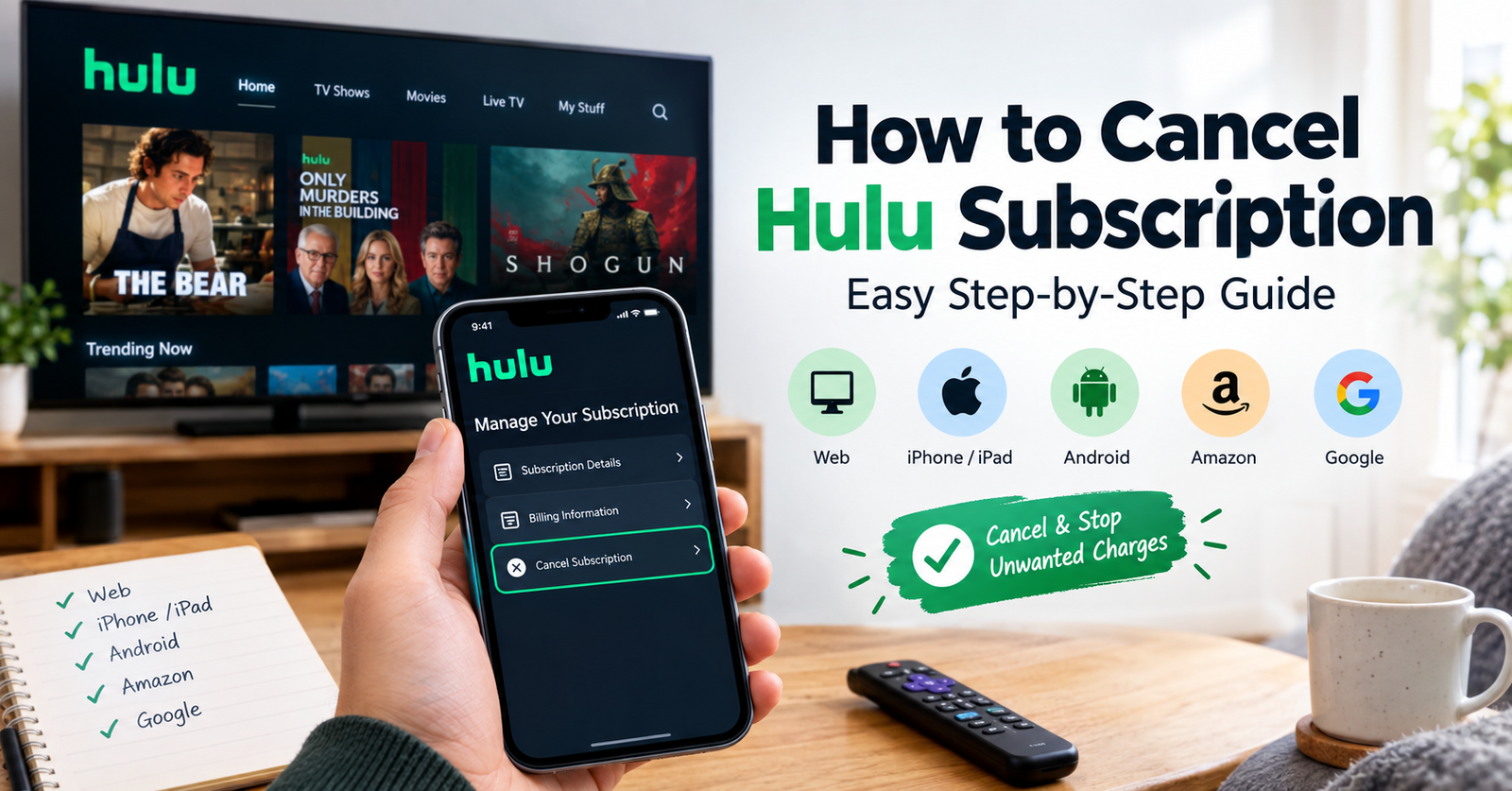

Hulu is a popular choice for movies, TV shows, live content, and exclusive programs. However, you may not want to keep paying for it. You may watch less often, want to cut costs, or prefer another streaming service.
If you want to cancel Hulu subscription, the process is usually simple. However, the steps depend on how you signed up. If Hulu bills you directly, you can manage the subscription through your Hulu account. If Apple, Google, Amazon, or another company bills you, you need to cancel through that service.
Knowing who handles your billing can make the process much easier.
How to Cancel Hulu Subscription Online
The easiest way to cancel Hulu is often through a web browser. This method works well when Hulu manages your subscription directly.
First, sign in to your Hulu account. Then open your account settings and find the section for your subscription.
Look for the option to manage or cancel your plan. Hulu may show you an option to pause your subscription instead. If you want to end the service, choose the cancellation option.
Follow the instructions shown on the screen. Keep going until Hulu confirms your cancellation.
After that, check your account status. This helps confirm that Hulu will not renew your subscription.
Can You Cancel Hulu From the App?
The answer depends on how you pay for Hulu.
If Hulu handles your billing, the app may send you to the website to manage your subscription. The app does not always show the same cancellation options as the website.
If you joined Hulu through Apple, Google, Amazon, or another provider, that company may handle your payments. In that case, you need to cancel through the provider.
This often explains why some users cannot find a cancellation option inside Hulu.
How to Cancel Hulu on iPhone or iPad
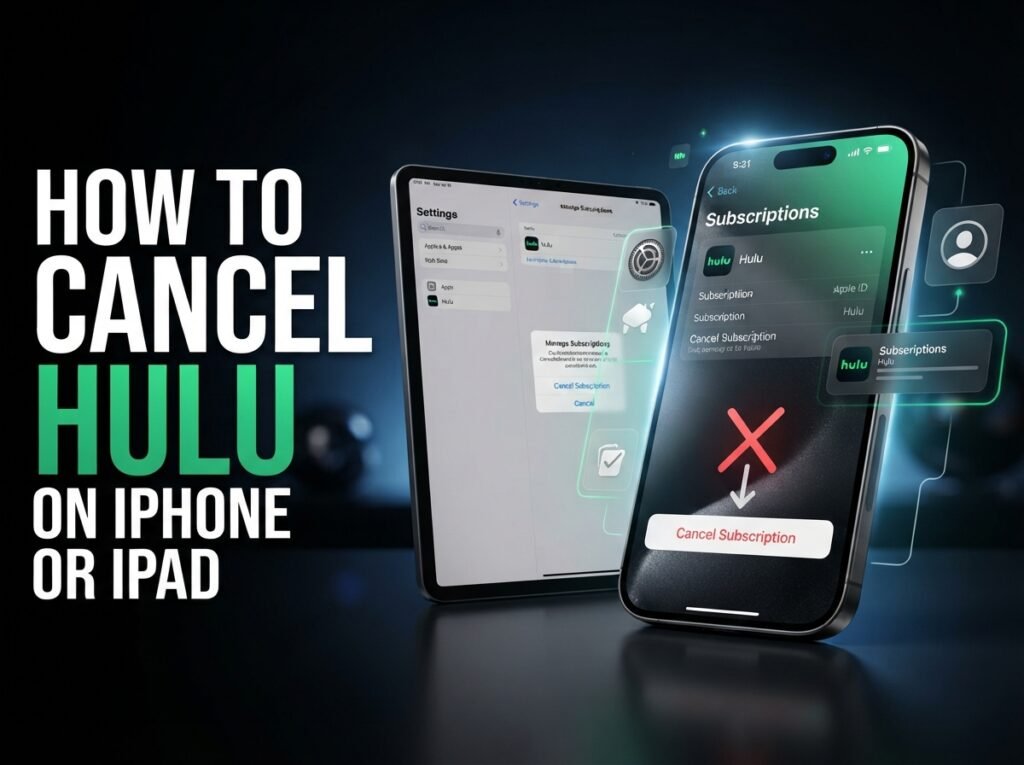
If you joined Hulu through Apple, Apple may manage your subscription. You can then cancel it through your Apple account.
Open your subscription settings on your iPhone or iPad. Find Hulu in your active subscriptions and select it.
Then choose the option to cancel the subscription. Follow the instructions until Apple confirms the change.
Check the subscription status afterward. If you cannot find Hulu there, another company may handle your billing.
How to Cancel Hulu on Android
Android users may have a Hulu subscription linked to Google Play. If Google manages your payments, you need to cancel Hulu through your Google account.
Open your Google Play subscription settings and find Hulu. Select the subscription and follow the cancellation steps.
Once you finish, check the subscription status. Make sure the service no longer shows an upcoming renewal.
If Hulu does not appear in Google Play, check your Hulu account. You may have signed up directly through Hulu or another provider.
Also, remember that deleting the Hulu app does not cancel your subscription. Removing the app only removes it from your device.
How to Cancel Hulu Through Amazon
Some users pay for Hulu through Amazon. If Amazon manages your subscription, you need to cancel it through your Amazon account.
Sign in to Amazon and open your subscription or membership settings. Find Hulu and choose the cancellation option.
Follow the instructions until Amazon confirms the cancellation. Then check the subscription status.
If you cannot find Hulu in your Amazon account, check your Hulu account details. They can help you identify the company that handles your billing.
How to Cancel Hulu Free Trial
You can cancel a Hulu free trial before it turns into a paid subscription. This can help you avoid an unwanted charge.
Sign in to the Hulu account linked to your trial. Then open your subscription settings and look for the cancellation option.
If you started the trial through Apple, Google, Amazon, or another provider, cancel it through that service instead.
Do not wait until the last moment if you already know that you do not want Hulu. Cancel early and check your account to make sure the cancellation went through.
What Happens After You Cancel Hulu?
Cancelling Hulu does not always end your access right away. In many cases, you can keep watching until your current billing period ends.
Your exact access depends on your plan and billing method. A free trial can also have different terms from a regular paid subscription.
If you already paid for the current month, cancellation usually stops the next renewal. It does not normally refund the current payment automatically.
You should still have access until the end of your current period in many cases. Check your Hulu account for the date when your access ends.
Does Deleting Hulu Cancel the Subscription?
No. Deleting the Hulu app does not cancel your subscription.
Your membership connects to your Hulu account and billing provider. It does not depend on whether you have the app installed on your phone or TV.
For example, deleting Hulu from an iPhone does not cancel an Apple subscription. The same applies to a Hulu subscription linked to Google Play.
Always cancel through the service that handles your payments.
Why Can’t I Find the Hulu Cancellation Option?
You may not see a cancellation button for several reasons.
The most common reason is third-party billing. Apple, Google, Amazon, a mobile provider, or another partner may manage your subscription.
You may also have more than one Hulu account. Make sure you use the account connected to your paid membership.
Check your billing details to find the company that processes your payment. Once you know the provider, you can cancel Hulu through the correct account.
Should You Pause Hulu Instead of Cancelling?
Hulu may offer a pause option before you cancel. This can help if you only want to stop using the service for a short time.
A pause can work well if you plan to return to Hulu soon. You can take a break without fully ending your membership.
However, cancellation makes more sense if you no longer want Hulu. Make sure you understand the difference between pausing and cancelling before you choose an option.
How to Avoid Unexpected Hulu Charges
Always check your subscription status after you cancel Hulu. Look for a message that confirms the cancellation or shows an end date.
Also, check who handles your Hulu billing. This matters if you signed up through Apple, Google, Amazon, or another service.
Keep your cancellation confirmation until the next billing date passes. If you see another charge, this information can help you contact the right provider.
Conclusion
Learning how to cancel Hulu subscription is easy once you know who handles your billing. Direct Hulu subscriptions usually require you to use your Hulu account settings. Subscriptions from Apple, Google, Amazon, or other providers require cancellation through those services.
Remember that deleting the Hulu app does not cancel your membership. You must cancel the subscription through the correct billing provider.
After cancelling, check your account status and note your access end date. This simple step can help you avoid unwanted renewal charges.
FAQs
Can I cancel Hulu at any time?
Yes, you can usually cancel Hulu at any time. You may still have access until your current billing period ends. Check your account for the exact end date.
How do I cancel Hulu subscription on my phone?
The steps depend on your billing provider. Direct Hulu subscriptions may require you to use Hulu settings. Apple and Google subscriptions usually require cancellation through their subscription settings.
Does deleting the Hulu app cancel my subscription?
No. Deleting the Hulu app does not cancel your paid membership. You must cancel the subscription through Hulu or the company that handles your billing.
Can I cancel Hulu during a free trial?
Yes. You can cancel Hulu during a free trial if you do not want to continue with the service. Cancel before the trial ends to avoid a possible paid renewal.
Will I still be able to watch Hulu after cancelling?
In many cases, yes. You may keep access until your current paid period or trial ends. Your account should show when your access will stop.
Can I cancel Hulu without deleting my account?
Yes. Cancelling your subscription is different from deleting your Hulu account. You can end the paid membership while keeping the account.
For more updates visit: RANKIVO