


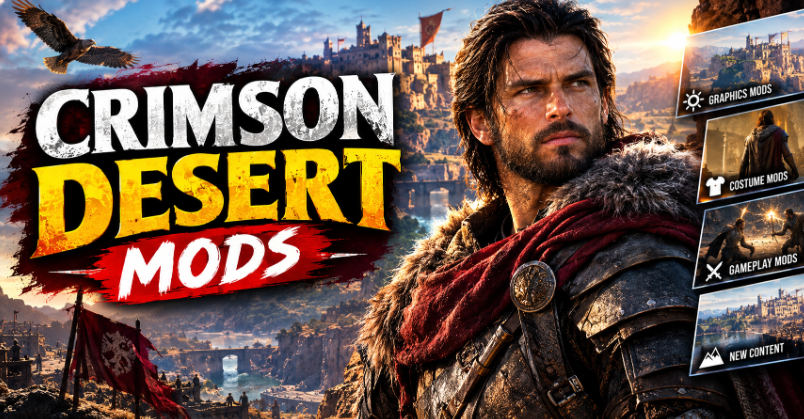

Crimson Desert mods are a topic worth exploring for PC players who want to customise their adventure, improve convenience, or experiment with different gameplay experiences. However, the available options depend on the game’s current version, community support, and the type of changes modders can safely make. Before downloading anything, players should understand where to look, how modifications work, and which precautions can help protect their game files and computer.
Crimson Desert is an open-world action-adventure game developed by Pearl Abyss. Its large environments, combat systems, exploration, and character customisation offer plenty of areas that modders may want to explore. Yet not every popular mod category will necessarily be available, and a modification that works for one version may fail after an update.
This guide explains how to find Crimson Desert mods, what kinds of modifications players may encounter, how to install them carefully, and how to troubleshoot common problems.
What Are Crimson Desert Mods?
Crimson Desert mods are community-made modifications that change or extend parts of the game. Depending on the tools available and the game’s file structure, a mod might adjust visual settings, alter interface elements, introduce convenience features, or change selected gameplay behaviours.
Mods are generally created by independent players rather than the original development team. Their quality, compatibility, and safety can therefore vary considerably. Some are small adjustments that make a particular task easier, while others may involve more complex changes to game assets or underlying systems.
It is also important to distinguish mods from official updates. A patch released by Pearl Abyss is an official game update, whereas a community modification is an unofficial change. Mods should not be treated as official features unless the developer explicitly confirms that status.
Are Crimson Desert Mods Available on PC?
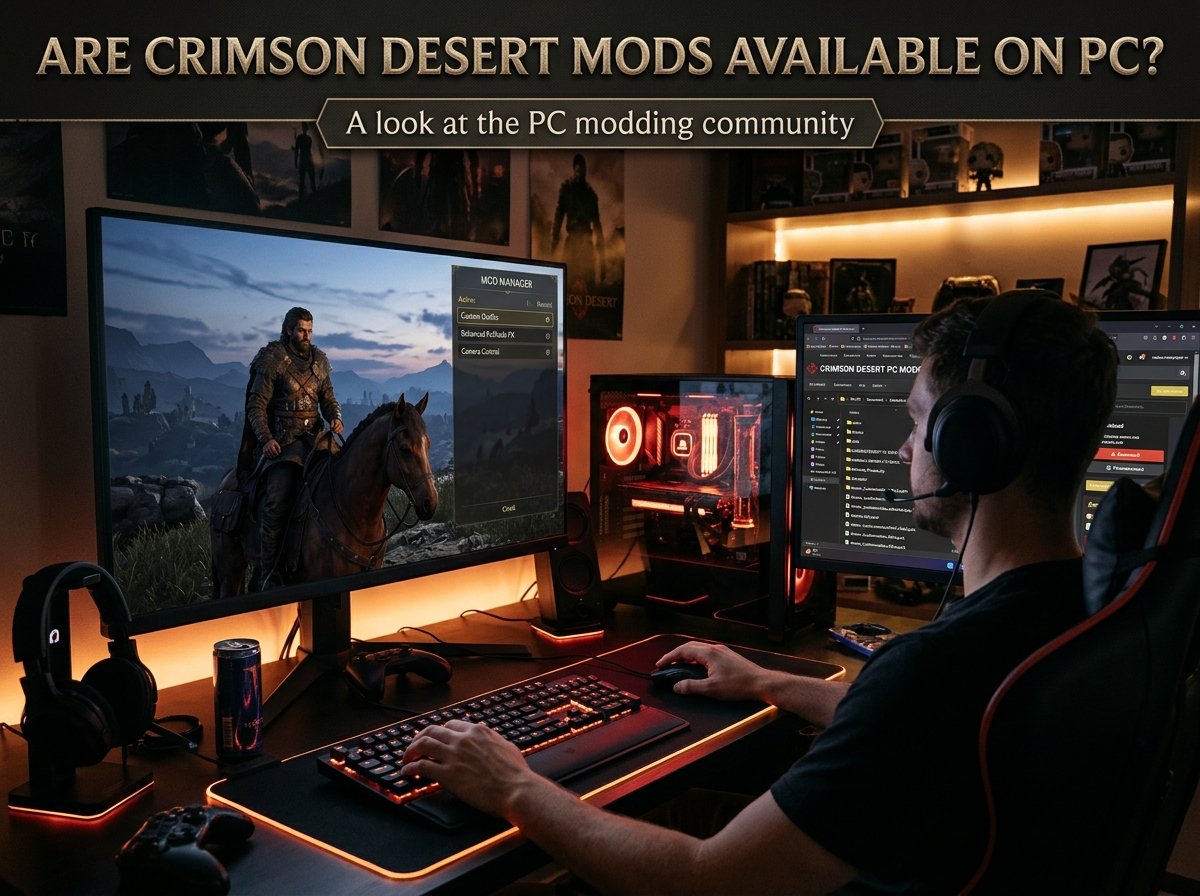
The availability of Crimson Desert mods can change as the game and its modding community develop. Before choosing a download, check current community listings and confirm that the modification supports your installed game version.
PC games often attract modders because players can access files and use community-developed tools more easily than on closed console platforms. However, that does not mean every PC game supports extensive modifications. Some games are relatively easy to customise, while others require specialised tools or offer limited options.
For Crimson Desert, check the latest listings on established PC gaming mod platforms and relevant community pages. Read the upload details carefully, including the release date, supported version, installation instructions, and reports from other users.
If you cannot find a reliable listing for a particular type of mod, do not assume it exists simply because similar modifications are popular in other open-world games. Community support takes time to develop, and some ideas may remain experimental.
Which Types of Crimson Desert Mods Should Players Look For?
The kinds of mods available depend on what the community has actually created and tested. The following categories describe common possibilities in PC game modding, not a guarantee that every category currently has a working Crimson Desert release.
Graphics and Visual Mods
Visual modifications can change the appearance of a game or adjust how it presents certain effects. In games that support them, these changes might involve colour grading, lighting presets, textures, character appearances, or other graphical details.
Players should check whether a visual download changes game assets directly or simply adjusts settings through an external tool. These approaches can have different installation requirements and performance effects.
A visually impressive modification may also demand more from a graphics card. If your frame rate drops after installing one, test the game without the modification before changing several graphics settings at once.
Gameplay and Quality-of-Life Mods
Some game communities develop modifications that reduce repetitive tasks or make certain mechanics easier to manage. Depending on what Crimson Desert modders can access, future or existing projects may focus on convenience, interface improvements, or selected gameplay adjustments.
Always read the feature description rather than relying on a mod’s title. Two downloads with similar names may behave differently, and an experimental modification may not deliver everything players expect.
Character and Cosmetic Mods
Character-focused modifications can appeal to players who want a different visual style. In games where the necessary assets and tools are accessible, cosmetic projects may adjust appearances, outfits, textures, or other character details.
These modifications can be especially sensitive to game updates because changes to character models or asset formats may break compatibility. Check for recent user feedback and avoid overwriting original files without keeping a backup.
Performance-Related Tweaks
Players sometimes look for mods that improve performance, reduce visual effects, or alter selected settings. However, a performance problem does not automatically require a mod.
Start by checking the game’s graphics options, installing official updates, and confirming that your system meets the recommended requirements. A community tweak may help in a specific situation, but an incompatible file can also cause crashes or make performance worse.
Where Can You Find Crimson Desert Mods?
Start with established PC game modding platforms and community spaces that provide clear download information. Look for a dedicated Crimson Desert section or search the exact game title alongside the feature you want.
A trustworthy listing should explain what the modification changes, which game versions it supports, how to install it, and whether it requires additional software. Detailed descriptions and meaningful user feedback provide more useful evidence than download counts alone.
Community discussions can also help you identify compatibility problems. Search for recent reports from players using the same game version, especially when a mod has not received an update for some time.
Be cautious with websites that promise exclusive cheats, instant performance boosts, or paid downloads for files that should be available through a recognised community platform. Avoid suspicious installers, password-protected archives from unknown publishers, and downloads that ask you to disable security software.
Before downloading any file, scan it with reputable security software. A familiar-looking website or a positive comment does not guarantee that a file is safe.
How to Install Crimson Desert Mods Safely
Installation instructions vary between modifications, so always follow the creator’s directions for the specific file. Do not assume that a folder path or installation method used by another game will work for Crimson Desert.
First, confirm your installed game version. Compare it with the version stated on the mod page, and check whether the download requires additional tools or dependencies. If the versions do not match, wait for an update or seek confirmation from the creator before proceeding.
Next, back up important saves and any original files that the instructions say you may need to replace. If a mod uses a manager or loader, obtain that software from its official project page and follow its setup instructions.
Install one modification at a time. Launch the game and test the relevant feature before adding anything else. This makes it easier to identify the cause if the game crashes, displays visual errors, or refuses to start.
Keep a record of the files you add and the original locations you change. If something goes wrong, you can remove the modification according to its instructions and restore your backup. Avoid deleting unfamiliar game files simply because a mod appears not to work.
Can Crimson Desert Mods Affect Performance or Saves?
Yes, unofficial modifications can affect stability, performance, and sometimes saved progress. The risk depends on what the mod changes, how it interacts with the game, and whether it supports your current version.
A cosmetic adjustment might have little effect on gameplay, while a modification that changes game behaviour may cause unexpected results. Poorly optimised visual assets can also increase memory use or reduce frame rates.
Save compatibility deserves particular attention. If a modification changes progression, inventory, quests, or other persistent data, removing it may not restore the game to its original state. Back up saves before testing anything that could affect progression.
Official updates can introduce further complications. A patch may change the files or systems that a mod depends on, causing errors even if the modification worked previously. After updating Crimson Desert, check mod pages for compatibility reports before launching the game with older files installed.
What to Do When a Crimson Desert Mod Does Not Work
If a mod fails, begin with the simplest checks. Confirm that you downloaded the correct version, followed every installation step, and installed any required dependencies. A misplaced file or missing prerequisite can prevent a modification from loading.
Next, remove or disable the most recently installed mod and test the game again. If the problem disappears, that modification may be incompatible or may conflict with another file. Adding several mods simultaneously makes this process much harder.
If the game crashes after an official patch, check whether the mod creator has acknowledged the issue. Avoid repeatedly reinstalling the same outdated file when the underlying game version has changed.
You can also use the game’s official repair or file-verification feature, if available through your store or launcher, to restore damaged original files. Back up saves and review the relevant instructions before doing so, especially if you have manually replaced game files.
Finally, report reproducible problems through the mod’s support channel. Include the game version, mod version, installation method, and a clear description of the issue. This information is more useful than simply saying that the download does not work.
Are Crimson Desert Mods Safe to Use?
Mods are not automatically dangerous, but unofficial downloads carry risks. The main concerns include malicious files, damaged game installations, save corruption, incompatible software, and unexpected changes to gameplay.
Reduce those risks by choosing established sources, checking the creator’s reputation, reading recent comments, and scanning downloads before opening them. Be particularly careful with executable files, scripts, and third-party tools that request unnecessary permissions.
Also consider any rules that apply to online features or connected services. Some games restrict certain modifications, and tools that alter game behaviour may create account or access risks. Check the current official rules before using anything that could affect online play, rankings, or other players.
For the safest experience, keep an unmodified installation available where practical and make backups before experimenting. If you are uncertain about a download, skipping it is better than risking your saves or computer.
Should You Use Crimson Desert Mods?
Whether Crimson Desert mods are worthwhile depends on your goals. Players who enjoy experimenting with custom settings and community projects may find them appealing, while others may prefer the intended experience without unofficial changes.
If you are new to modding, start with a well-documented, low-risk modification that clearly supports your game version. Read the instructions fully and test it before installing anything else. Avoid major gameplay changes until you understand how the installation process works.
It is equally reasonable to wait for more community testing. A newly released game or recently updated title may have limited mod support at first, and early downloads can become outdated quickly.
The best approach is to prioritise verified compatibility, clear documentation, and reliable sources over promises of dramatic improvements. That way, you can explore community customisation while reducing avoidable technical problems.
Conclusion
Crimson Desert mods may offer PC players new ways to customise their experience, but the options available depend on current community development and game compatibility. Visual changes, convenience tweaks, cosmetic adjustments, and performance experiments are familiar areas of PC modding, although individual Crimson Desert releases must be verified before downloading.
Use established modding platforms, check version requirements, back up your saves, and install modifications one at a time. If a download lacks clear instructions or comes from an untrusted source, avoid it. A careful approach helps you enjoy community projects without unnecessarily risking your game files or progress.
FAQs
Are Crimson Desert mods available for PC?
Availability depends on current community releases and game compatibility. Check established PC modding platforms for Crimson Desert listings, and confirm that each download supports your installed version before using it.
Where can I download Crimson Desert mods?
Look for dedicated Crimson Desert listings on established game modding platforms and relevant community pages. Review the creator’s instructions, recent user feedback, required tools, and supported versions before downloading anything.
Can I install Crimson Desert mods without technical experience?
Some modifications may have straightforward instructions, while others require extra tools or manual file changes. Beginners should start with a well-documented mod, follow its instructions carefully, and install only one modification at a time.
Can Crimson Desert mods damage my save files?
Certain modifications may affect saved progress, especially if they change gameplay systems or persistent data. Back up your saves before installing mods, and check the creator’s guidance before removing a modification that affects progression.
Do Crimson Desert mods work after game updates?
Not always. Official patches can change files or systems that modifications rely on. After updating the game, check for compatibility notes and updated downloads before using older mods again.
Are Crimson Desert mods safe to download?
Some are legitimate community projects, but unofficial downloads can contain malicious files or cause game problems. Use reputable sources, scan files with security software, avoid suspicious installers, and check the game’s current rules before using modifications.
For more updates visit: RANKIVO