



The Tenebris Somnia system requirements help you check whether your PC can run this unique survival horror game. At minimum, you need 64-bit Windows 10 or later, a 2.4 GHz dual-core processor, 8 GB of RAM, a graphics card with 4 GB of VRAM, and DirectX 11. For a more comfortable experience, the recommended specifications include Windows 11, a 3.6 GHz quad-core processor, 16 GB of RAM, and 8 GB of VRAM. What makes this horror adventure stand out is its blend of retro 2D gameplay, unsettling puzzles, and disturbing live-action cinematic scenes. Before installing the game, compare your computer’s hardware with these requirements to check compatibility.
Tenebris Somnia System Requirements for PC
Tenebris Somnia is a retro-style survival horror adventure that blends pixel-based exploration, puzzle-solving, dangerous encounters, and live-action cinematic scenes. Developed by Andrés Borghi and Saibot Studios and published by New Blood Interactive, it aims to deliver a distinctive horror experience inspired by classic survival horror games.
Unlike many modern horror releases, Tenebris Somnia uses a 2D visual style influenced by the 8-bit and 16-bit eras. However, its presentation also includes filmed sequences featuring real actors and practical effects. This combination makes the game particularly interesting for players who enjoy experimental horror storytelling.
The official PC requirements provide a useful starting point for anyone planning to play on Windows. Your processor, memory, graphics hardware, operating system, and available storage all matter when checking compatibility.
Minimum System Requirements for Tenebris Somnia
The minimum requirements describe the baseline hardware and software needed to run the game. Meeting these specifications is the first step towards checking whether your current computer is suitable.
Minimum PC Specifications
The minimum Tenebris Somnia system requirements include Windows 10 64-bit or later, a dual-core processor running at 2.4 GHz or higher, and 8 GB of RAM. Your graphics hardware should also provide at least 4 GB of video memory, while DirectX 11 support is required.
You should allow approximately 13 GB of available storage based on the current Steam listing. Storefront specifications can change, so check the latest listing before installing the game.
These requirements are relatively accessible compared with those of many visually demanding modern games. Nevertheless, meeting the minimum specifications does not guarantee a particular frame rate or completely eliminate performance issues.
What Do the Minimum Requirements Mean?
A compatible 64-bit Windows operating system provides the necessary software environment. Meanwhile, the dual-core processor handles general game logic, background tasks, and other calculations.
The 8 GB memory requirement indicates how much system RAM your computer should have available. Your graphics card must also meet the stated video memory requirement, even though the game uses retro-inspired visuals.
Finally, DirectX 11 provides the graphics-related software features the game expects. A computer that misses one of these requirements may experience compatibility problems or fail to run the game properly.
Recommended System Requirements for Tenebris Somnia
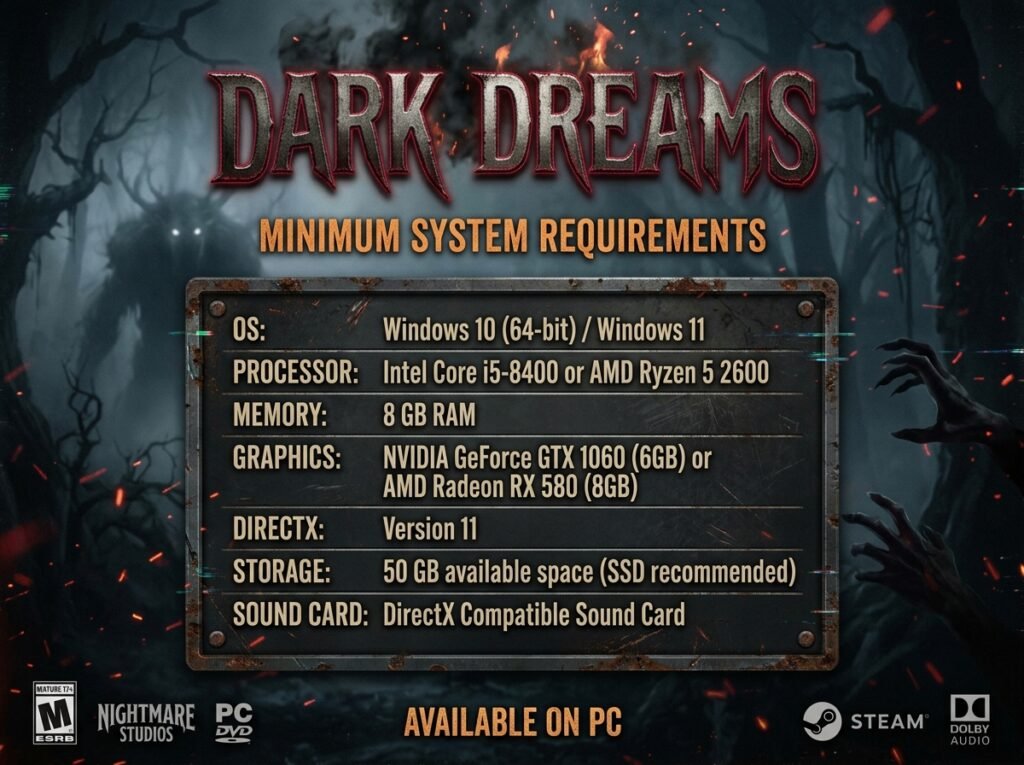
Meeting the minimum specifications may be sufficient for basic compatibility, but a more capable computer can provide additional headroom. The recommended requirements are particularly useful if you want to reduce the chance of performance limitations while other applications are running.
Recommended PC Specifications
The recommended configuration includes Windows 11 64-bit, a quad-core processor running at 3.6 GHz or higher, and 16 GB of RAM. The graphics requirement increases to at least 8 GB of VRAM, while DirectX 11 remains necessary.
The current Steam listing also specifies approximately 13 GB of available storage. As with the minimum specifications, verify the latest storage figure before downloading the full release.
These recommendations give players a clearer target when assessing an existing gaming PC. However, they do not establish a guaranteed frame rate, resolution, or graphics preset.
Is the Recommended Hardware Necessary?
Not every player needs to upgrade their computer to match the recommended specifications. If your PC meets the minimum requirements, it may already be suitable for playing the game.
The recommended hardware provides more memory and processing headroom. This can be helpful if you regularly keep a browser, recording software, or other applications open during gameplay.
Your graphics card also deserves attention. A model with 8 GB of VRAM meets the stated recommended memory requirement, although VRAM capacity alone does not determine overall graphics performance.
Processor Requirements: Dual-Core vs Quad-Core
The processor is responsible for handling game logic, character interactions, enemy behaviour, and other background calculations. Tenebris Somnia lists a dual-core processor running at 2.4 GHz or higher as the minimum, while the recommended specification calls for a 3.6 GHz quad-core processor or higher.
A dual-core processor contains two processing cores, whereas a quad-core model contains four. More cores can provide additional processing capacity, although clock speed and the processor’s overall architecture also influence performance.
Do not judge compatibility using clock speed alone. An older processor running at a higher frequency may perform differently from a newer model with a lower frequency.
If you are unsure about your processor, open Task Manager in Windows and select the Performance tab. The CPU section displays your processor model and information about its cores and speed.
RAM Requirements: Is 8 GB Enough?
Tenebris Somnia requires 8 GB of system RAM at minimum and recommends 16 GB. This distinction is important because your computer uses RAM for the operating system, running applications, and active game data.
A PC with 8 GB of RAM meets the published minimum memory requirement. However, background applications can consume part of that capacity, leaving less memory available for the game.
Closing unnecessary applications can help free up resources. If you regularly play games while browsing the web or using voice-chat software, 16 GB of RAM offers more flexibility.
Remember that system RAM and graphics memory are different. Your computer needs to meet the 8 GB minimum system memory requirement separately from the graphics card’s minimum 4 GB VRAM requirement.
Graphics Card Requirements and VRAM
The graphics requirement is another key part of the Tenebris Somnia PC specifications. The game lists at least 4 GB of VRAM for minimum compatibility and 8 GB for the recommended configuration.
VRAM stores graphics-related information that the GPU needs during gameplay. Its capacity can influence how well a graphics card handles certain workloads, but it does not tell the whole story.
Two graphics cards with the same amount of VRAM can deliver different results. Their processing power, architecture, driver support, and other specifications also matter.
Tenebris Somnia’s retro 2D presentation may appear less demanding than a modern 3D horror game. However, you should not assume that every older graphics card will work simply because the game uses pixel art.
Check your GPU model and its dedicated video memory before installing the game. If your computer uses integrated graphics, verify its compatibility rather than assuming that shared system memory meets the dedicated VRAM requirement.
Storage Space and DirectX 11
Storage is easy to overlook when checking game compatibility. The current Steam listing specifies approximately 13 GB of available space for Tenebris Somnia, although storefront information can change as a game approaches release.
Keep some additional free space on your drive rather than filling it to capacity. This leaves room for temporary installation files, system activity, and future game updates.
An SSD can also make general loading and file access feel more responsive, particularly compared with an older mechanical hard drive. However, the published requirements do not establish that an SSD is mandatory.
DirectX 11 is another stated requirement. Most compatible modern Windows gaming systems support it, but you should still check your system if you use older hardware.
To check your DirectX version, press Windows and R, enter dxdiag, and open the DirectX Diagnostic Tool. The System tab displays the DirectX version installed on your computer.
Can Your PC Run Tenebris Somnia?
The easiest way to estimate compatibility is to compare your computer’s specifications with the official minimum and recommended requirements.
If your PC has Windows 10 64-bit or later, a 2.4 GHz dual-core processor or better, 8 GB of RAM, a compatible graphics card with 4 GB of VRAM, and DirectX 11, it meets the listed minimum specifications.
If your computer has Windows 11 64-bit, a 3.6 GHz quad-core processor or better, 16 GB of RAM, and a graphics card with 8 GB of VRAM, it meets the stated recommended specifications.
These comparisons provide a useful starting point, but they cannot predict performance with complete accuracy. Driver versions, background processes, hardware age, and future patches may influence the final experience.
You can check most of your hardware details through Windows Task Manager. For graphics information, open the Performance tab and select GPU. The displayed information can help you identify your graphics processor and its memory.
What Makes Tenebris Somnia Different from Other Horror Games?
Tenebris Somnia combines retro presentation with filmed horror sequences. Its 2D environments draw inspiration from classic survival horror, while puzzles and dangerous creatures create challenges throughout the adventure.
The live-action cinematics provide another layer to the experience. Rather than relying entirely on animated scenes, the game incorporates real actors and practical effects created by a professional film crew.
This unusual combination may appeal to fans of psychological horror, atmospheric adventures, and experimental storytelling. Players who enjoy exploring unsettling environments and uncovering narrative clues may also find the concept appealing.
The game is designed for single-player play, allowing you to experience its story and challenges at your own pace. Its retro style may look simple at first glance, but visual style alone should not determine whether your computer meets the technical requirements.
How to Prepare Your PC Before Playing
Before launching Tenebris Somnia, make sure your Windows installation and graphics drivers are up to date. Updated drivers can improve compatibility and help resolve certain graphics-related problems.
Close unnecessary applications if your computer has limited RAM. This is especially useful on systems with 8 GB of memory, where browsers and other programs can occupy a significant share of available resources.
Check your available storage and remove unwanted files if necessary. You should also verify that your graphics hardware meets the minimum VRAM requirement rather than relying on the amount of installed system RAM.
If you experience problems after launching the game, restart your computer and try again with fewer background applications running. You can also check the game’s latest storefront information for updated requirements or compatibility notes.
Conclusion
The Tenebris Somnia system requirements make it possible to assess your PC before trying this distinctive survival horror adventure. The minimum specifications include Windows 10 64-bit or later, a 2.4 GHz dual-core processor, 8 GB of RAM, 4 GB of VRAM, and DirectX 11. The recommended configuration increases the targets to Windows 11, a 3.6 GHz quad-core processor, 16 GB of RAM, and 8 GB of VRAM.
If your computer meets the minimum requirements, you have a useful starting point for checking compatibility. For more headroom, compare your hardware with the recommended specifications. Always verify the latest storage and system information before installation, as requirements can change around launch.
FAQs
What Are the Minimum Tenebris Somnia System Requirements?
The minimum requirements include Windows 10 64-bit or later, a 2.4 GHz dual-core processor or higher, 8 GB of RAM, a graphics card with at least 4 GB of VRAM, and DirectX 11. The current Steam listing specifies approximately 13 GB of available storage.
What Are the Recommended PC Requirements for Tenebris Somnia?
The recommended specifications include Windows 11 64-bit, a 3.6 GHz quad-core processor or higher, 16 GB of RAM, a graphics card with at least 8 GB of VRAM, and DirectX 11. Allow approximately 13 GB of storage according to the current Steam listing.
Can I Play Tenebris Somnia With 8 GB of RAM?
Yes, 8 GB of RAM meets the published minimum requirement. However, performance may depend on your other hardware and the applications running in the background. Closing unnecessary programs can free up memory while you play.
Does Tenebris Somnia Require a Dedicated Graphics Card?
The published requirements specify at least 4 GB of VRAM, increasing to 8 GB for the recommended configuration. A dedicated graphics card may make it easier to meet these specifications, but you should verify your actual graphics hardware and compatibility before deciding whether an upgrade is necessary.
How Much Storage Space Does Tenebris Somnia Need?
The current Steam listing specifies approximately 13 GB of available storage. Keep some additional space free for installation activity and potential updates. Check the latest storefront listing before downloading, because published requirements may change.
Is Tenebris Somnia Available on Windows 10?
Yes, the published minimum requirements support Windows 10 64-bit or later. The recommended configuration specifies Windows 11 64-bit. Make sure your operating system is 64-bit and that your processor, memory, graphics hardware, and DirectX support also meet the requirements.
For more updates visit: RANKIVO